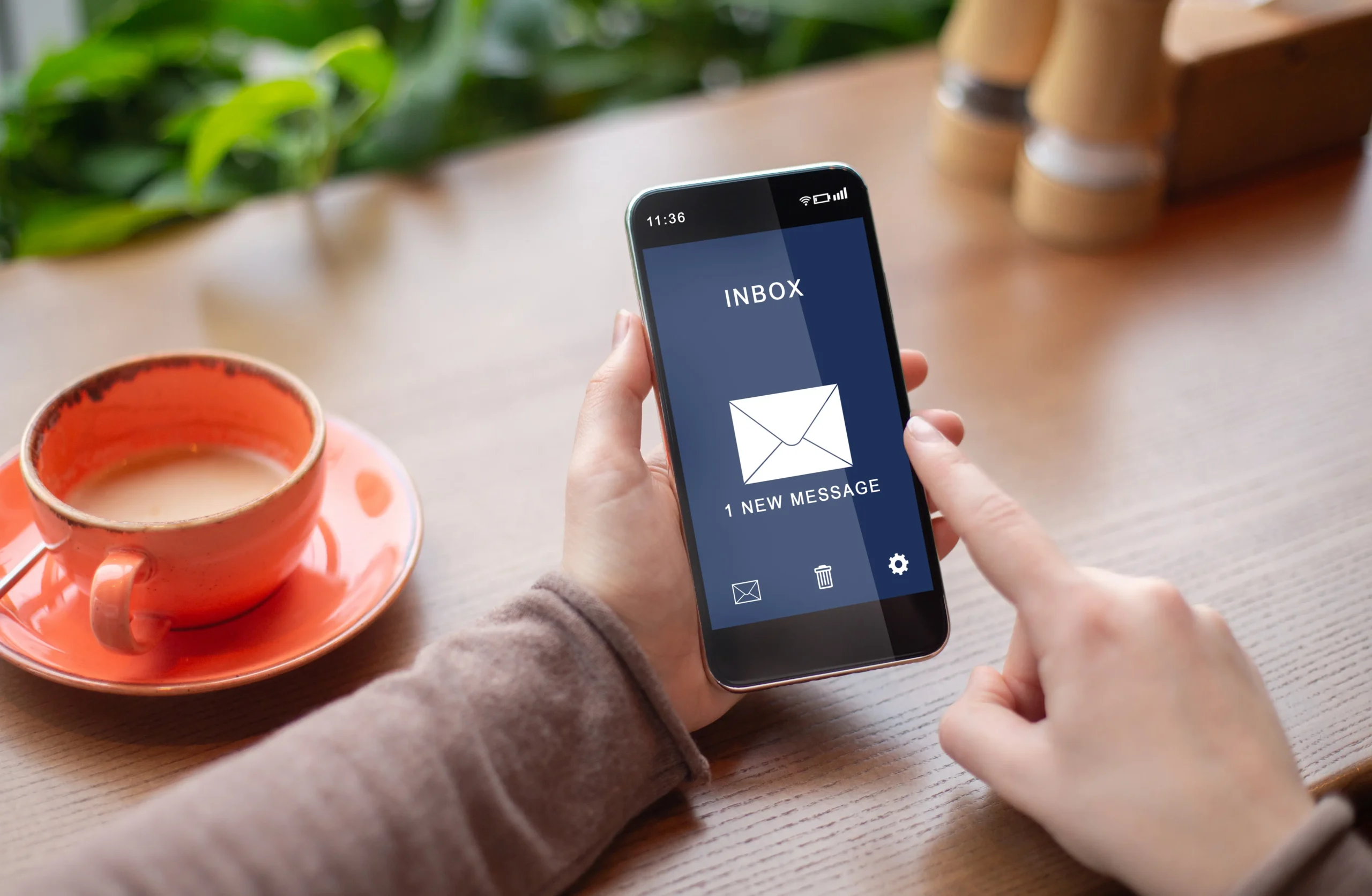

For many employees, the phone is now the main way they read work email. That’s great for responsiveness, but small screens, public Wi-Fi and lost devices create risks that office computers don’t. Share these twelve practical tips with your team.
1. Lock your phone
Use a strong PIN, fingerprint or face unlock. An unlocked phone gives anyone who picks it up instant access to company email.
2. Keep everything updated
Install operating system and app updates promptly. Updates often fix security holes that attackers actively exploit.
3. Use your company’s approved email app
A dedicated business app, such as the Smardove mobile app, is designed around your email platform’s security features.
4. Turn on two-factor authentication
2FA means a stolen password isn’t enough to access your mailbox. Keep your authenticator app on a device you control.
5. Check links before you tap
On mobile, long-press a link to preview the real destination. Phishing pages look convincing on small screens.
6. Look at the full sender address
Phone apps often show only the display name. Tap it to reveal the actual email address before trusting the message.
7. Be wary of QR codes in emails
QR codes are increasingly used to send people to fake login pages. Don’t scan codes from unexpected emails.
8. Avoid unsecured public Wi-Fi
Café, hotel and airport networks can be monitored. Use mobile data or a trusted VPN for work email when possible.
9. Don’t download apps from unofficial sources
Stick to Google Play and the Apple App Store. Unofficial apps can contain malware that reads your email or steals passwords.
10. Think before saving attachments
Avoid saving confidential company files to personal cloud storage or sharing them through personal messaging apps.
11. Report lost or stolen phones immediately
The faster IT knows, the faster they can change passwords and secure your account.
12. Report suspicious emails
If something looks wrong, don’t delete it quietly. Report it so IT can protect your colleagues too.
What the business should do
Employee habits matter, but the strongest protection starts before email reaches the phone:
- Filter spam, phishing and malware on the server so every device benefits.
- Enforce two-factor authentication for all users.
- Use country-based login restrictions to block sign-ins from unexpected locations.
- Provide a secure, approved mobile email app.
- Include mobile security in staff training.
How Smardove protects mobile users
With Smardove, SpamFoo’s AI-driven antispam, AI classification and virus scanning all run on the server, so threats are stopped before they reach any phone. Two-factor authentication and country-based login restrictions protect every sign-in, and the Smardove app for Android and iOS gives your team a secure, consistent way to work on the move.
| Keep mobile email safe. Contact Smardove to protect your team on every device. |