
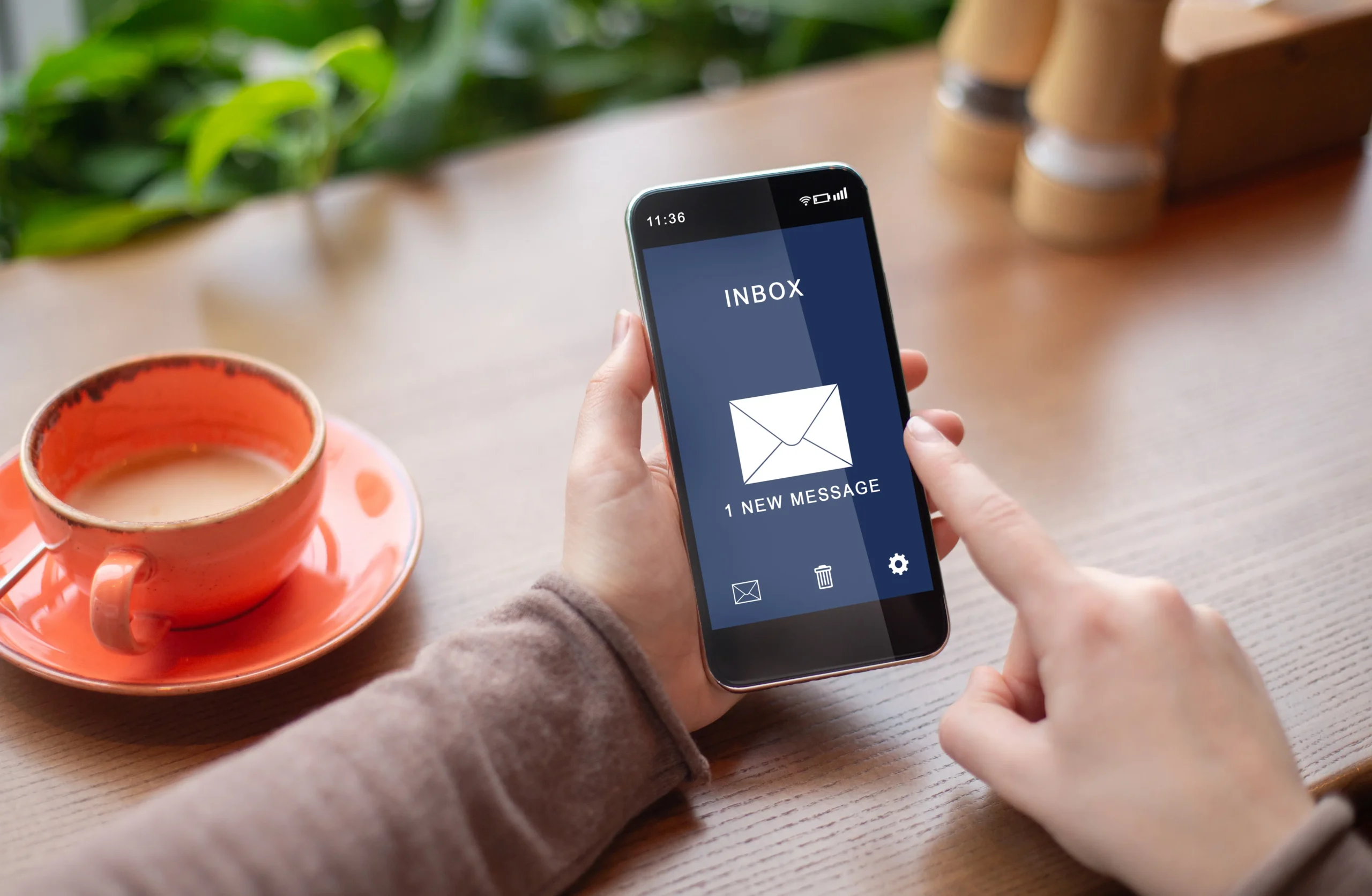

Work doesn’t stop when you leave your desk. Clients email from airports, managers approve requests between meetings and field teams need answers on site. The Smardove mobile app puts secure business email in your pocket, without compromising the protection your company relies on.
Built for business, not just convenience
Many people read work email in whichever app came with their phone. That can be convenient, but it isn’t always designed around business security. The Smardove app is built specifically for Smardove hosted email, so your mailbox, folders and security settings work the same way on mobile as they do in the office.
Available on Android and iOS
Whether your team uses Android phones, iPhones or a mix of both, everyone gets the same secure experience. Download the app from Google Play or the Apple App Store and sign in with your Smardove account.
The same protection, everywhere
Because Smardove filters mail on the server, every message is checked before it reaches any device. That means mobile users benefit from:
- SpamFoo AI-driven antispam that keeps phishing and junk out of your inbox.
- AI classification that sorts mail into clear categories, making a small screen easier to manage.
- Virus scanning on attachments before you can open them.
- Two-factor authentication protecting every sign-in.
- Country-based login restrictions set by your administrator.
There’s no separate mobile security to configure: the protection follows the mailbox.
Designed for busy professionals
The Smardove app gives you quick access to what you need on the move: read and reply to mail, manage folders, search your mailbox and handle attachments, all in a clean interface built for one-handed use.
Why use a dedicated app?
1. Consistency. Your folders and settings match your desktop and webmail experience.
2. Security focus. Built around Smardove’s security features rather than added as an afterthought.
3. Easier support. Your IT team or the Smardove team can help with one known app rather than many different email clients.
4. Brand trust. A purpose-built app for your company’s email platform.
Tips for staying secure on mobile
- Lock your phone with a PIN, fingerprint or face recognition.
- Keep the app and your phone’s operating system updated.
- Avoid opening sensitive attachments on public Wi-Fi without protection.
- Report a lost or stolen phone to IT immediately.
Getting started
1. Download the Smardove app from Google Play or the App Store.
2. Sign in with your business email address and password.
3. Complete two-factor authentication if enabled for your account.
4. Start reading and sending secure business email.
| Take secure business email wherever you go. Contact Smardove to set up your team, then download the app on Android and iOS. |