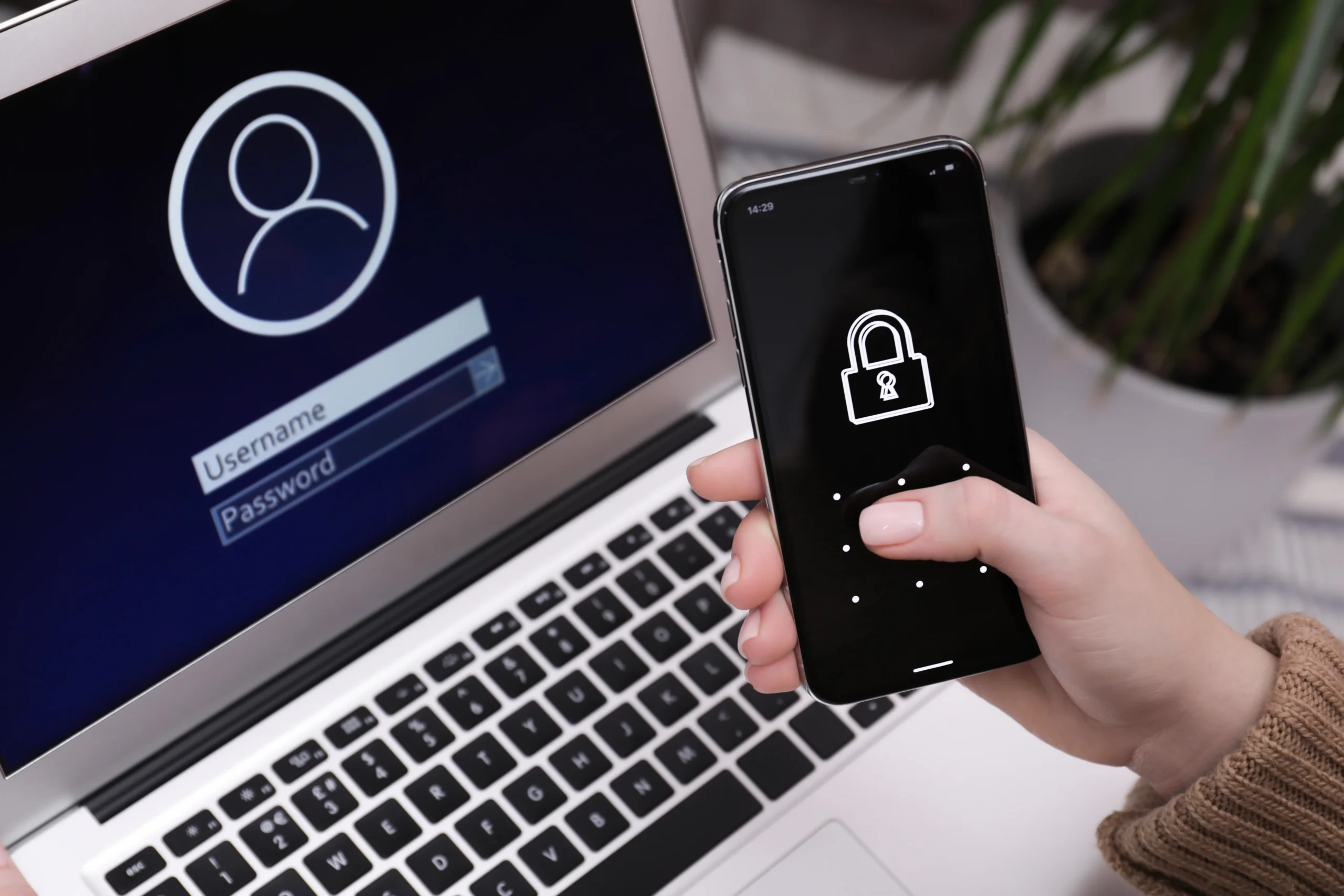

If an attacker has your password, what stops them from reading your email? Without two-factor authentication, the answer is nothing. That’s why 2FA has become one of the simplest and most effective security measures any business can adopt.
Why passwords aren’t enough
Passwords are under attack from every direction:
- Data breaches expose millions of credentials, which criminals reuse on other services.
- Phishing pages trick users into typing passwords into fake login screens.
- Password spraying tries common passwords against many accounts.
- Malware records keystrokes on infected devices.
- Reuse means one leaked password can unlock several accounts.
Even strong, unique passwords can be stolen. Once they are, a mailbox protected only by a password is wide open.
What is two-factor authentication?
Two-factor authentication (2FA) requires two different kinds of proof before granting access:
1. Something you know — your password.
2. Something you have — usually a time-based code from an authenticator app on your phone.
An attacker who steals your password still can’t log in without the second factor, which lives on a device they don’t control.
How 2FA stops real attacks
- A phished password becomes useless without the code.
- Credentials from old data breaches can’t be replayed.
- Brute-force and password-spraying attacks hit a second wall.
- Business email compromise through account takeover becomes far harder.
This is why security experts consistently rank multi-factor authentication among the most effective protections against account compromise.
Common objections, answered
“It slows people down.” Entering a code takes seconds, and many systems let users trust a device so they aren’t asked at every login.
“Our staff won’t like it.” A short explanation of why it matters, plus a simple setup guide, goes a long way. Most people already use 2FA for banking and social media.
“We’re too small to be targeted.” Automated attacks don’t care about company size. Smaller firms are often targeted precisely because they’re assumed to be less protected.
Making 2FA part of your email policy
- Require 2FA for every mailbox, starting with executives, finance and IT administrators.
- Use authenticator apps rather than SMS where possible.
- Keep backup codes in a secure place for when a phone is lost.
- Train staff never to share codes, even with someone claiming to be IT.
2FA works best with other layers
2FA protects the login. Pair it with AI-driven antispam to stop phishing in the first place, virus scanning to catch malware, and country-based login restrictions to block access from unexpected regions.
Two-factor authentication in Smardove
Smardove supports two-factor authentication for every user, so a stolen password alone can’t unlock a mailbox. Combined with SpamFoo AI antispam, virus scanning and country-based login restrictions, it gives your business strong, layered protection against account takeover.
| Close the door on stolen passwords. Contact Smardove to secure every mailbox with 2FA. |